

A clear design name makes it easier to find the right item in your Workspace, especially when you have several designs based on the same template.
Rename a design
- Open the design in the editor.
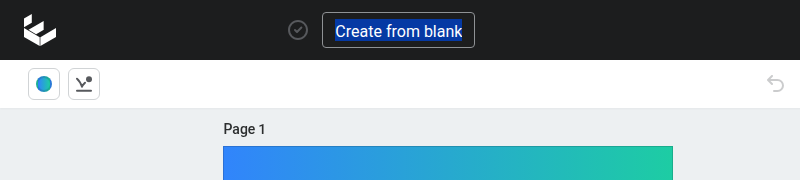
- Select the current design name at the top of the editor.
- Enter the new name.
- Press ENTER, or select anywhere outside the name, to finish.
- Wait for the save indicator before leaving the editor.
Design names and page names
Renaming a design changes the title used for the whole design. It does not rename the individual pages inside it.
If your design has several pages, you can give each page its own name to make it easier to organise and select. See Use Page View to manage design pages for page naming instructions.
Naming tips
Use names that help your team identify the content without opening it. A useful name might include the campaign, location, channel, or date, such as Spring offer – Brisbane – Instagram – September.